Frozen Ship PC Requirements
What Nionetix lists on Steam — and how to tune settings for smooth ship management and wasteland runs.
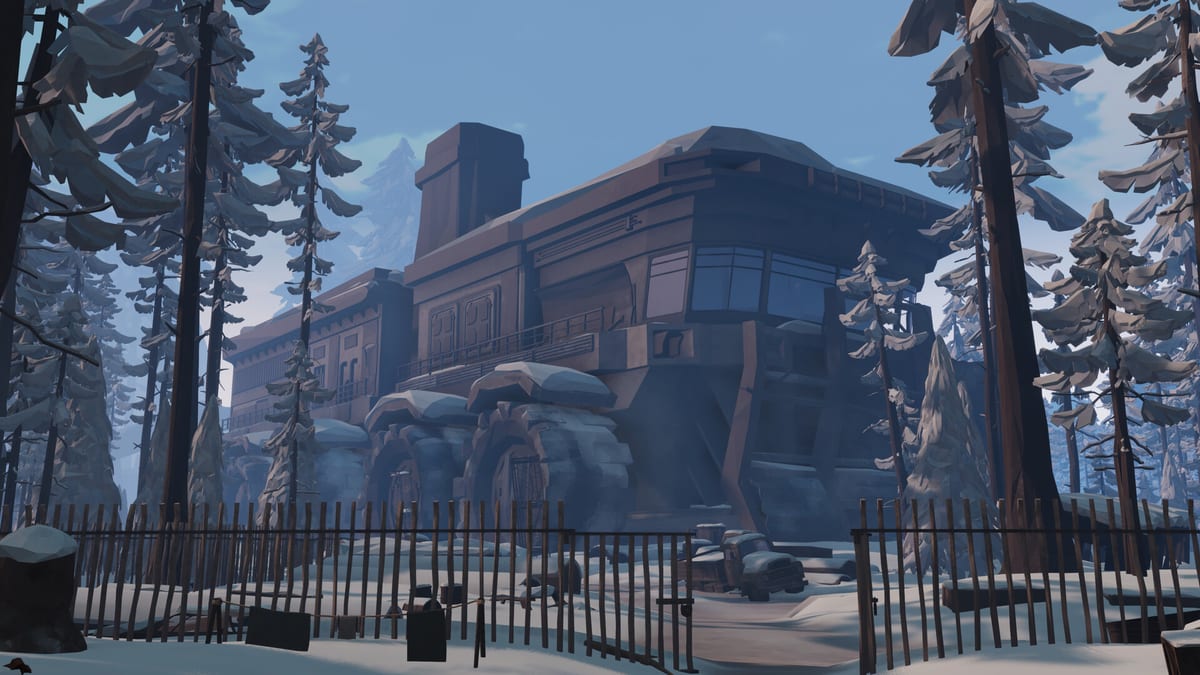
Frozen Ship launches into Steam Early Access on August 7, 2026 for Windows as a single-player experience. Before you wishlist or pre-load, confirm that your PC meets the specs published on the Steam store page. This reference summarizes those numbers and adds practical tuning notes for a first-person survival game that splits time between interior ship management and outdoor exploration.
Minimum requirements
| Component | Minimum |
|---|---|
| OS | Windows 10 or 11 (64-bit) |
| Processor | Quad-core ~2.6 GHz |
| Memory | 4 GB RAM |
| Graphics | NVIDIA GTX 1050 (or equivalent) |
| Storage | ~10 GB available |
The minimum tier should boot the game and play at lower settings, but expect compromises. Ship interiors can stack UI, crew, and crafting stations in one view, while the wasteland adds weather, draw distance, and procedural terrain load. If you are near the floor on GPU or RAM, prioritize stable frame times over maxed visuals.
Recommended requirements
| Component | Recommended |
|---|---|
| Processor | ~3.2 GHz (modern quad-core or better) |
| Memory | 8 GB RAM |
| Graphics | NVIDIA GTX 2060 (or equivalent) |
| Storage | SSD strongly advised for 10 GB install |
The recommended row targets a smoother Early Access experience: fewer hitches when transitioning between the bridge, crew quarters, and outdoor sorties. An SSD reduces initial load and zone transitions — helpful when you are repeating expedition loops during a long session.
What the specs do not spell out
Steam lists language support separately from hardware. Frozen Ship ships with multiple interface languages on the store page, though this wiki currently documents English, French, German, and Spanish only. Audio and subtitle options may differ by locale; confirm in-game on day one if language accessibility matters for your household.
There is single-player only or multiplayer requirement to plan for — network bandwidth and server specs are irrelevant. All performance pressure is local: CPU for simulation and AI, GPU for first-person rendering, and RAM for asset streaming across the frozen map.
Settings strategy for Early Access
Early Access builds change frequently. A sensible baseline on mid-range hardware:
- Display: run native resolution with a frame cap slightly below your monitor refresh to reduce heat and stutter.
- View distance: keep moderate outdoors so landmarks remain readable without maxing grass and debris.
- Shadows / effects: lower shadows first if the ship deck drops frames when multiple crew move through lit areas.
- VSync: enable if you see tearing indoors; disable if input latency feels sluggish during combat or hunting updates later in the roadmap.
If you played the June 2025 Steam Next Fest demo, treat performance there as a rough preview only — EA content adds systems that may shift load. Re-test after launch using the prep wishlist checklist so driver updates and disk space are handled before day one.
Storage and future patches
Budget more than the listed 10 GB. Early Access titles often grow with content drops; the Early Access roadmap mentions loot locations, weapons, story chapters, a new mode, and DLC-sized additions over time. Keep free space on the same drive as your Steam library to avoid failed patch downloads.
Before you commit: workflow links
- Compare your rig against this page, then follow Getting Started for first-hour goals.
- If you are still pre-launch, use Prep & Wishlist for wishlist, demo notes, and guide reading order.
- When you leave the ship, pair hardware headroom with the expedition checklist so long runs do not coincide with thermal throttling on laptops.
- Track official spec changes on the release timeline and confirm against the Steam store page via official links.
Laptops and integrated graphics
Integrated GPUs may launch the game at minimum settings but struggle when weather effects stack with indoor lighting. Close background browsers and cap FPS to preserve steady crew management inputs. Undervolting and cleaning vents often help more than a single ultra-low texture tweak.
For a broader sense of gameplay before you upgrade hardware, read Review & Overview — it explains the ship-and-crew loop that drives most session length, independent of benchmark scores.
Frequently Asked Questions
Quick answers to the most common questions.
Can Frozen Ship run on a GTX 1050?
That matches the published minimum GPU. Expect low settings and occasional stutter in heavy outdoor weather. The GTX 2060 class listed for recommended specs is a safer target for comfortable Early Access sessions.
Is 4 GB RAM enough?
It is the listed minimum, but 8 GB is strongly preferred. Windows background apps plus game assets can exceed 4 GB quickly, especially when reloading the wasteland after a ship visit.
Does Frozen Ship support macOS or Linux?
Early Access is listed for Windows on Steam. Other platforms would need an official announcement from Nionetix; watch the [release timeline](/updates/release-timeline/) rather than assuming a port.
Will requirements rise after launch?
They may. Roadmap items like new weapons, hunting, and additional locations can increase load. Re-check the Steam store page after major updates listed on the [Early Access roadmap](/updates/early-access-roadmap/).
Where do I verify the official numbers?
Always cross-check the Steam store page linked from [Official Links](/links/official-links/). This wiki page paraphrases specs for planning but does not override the store listing.