Frozen Ship Controls
Keyboard, mouse, UI, and hardware — what previews say about playing on PC.
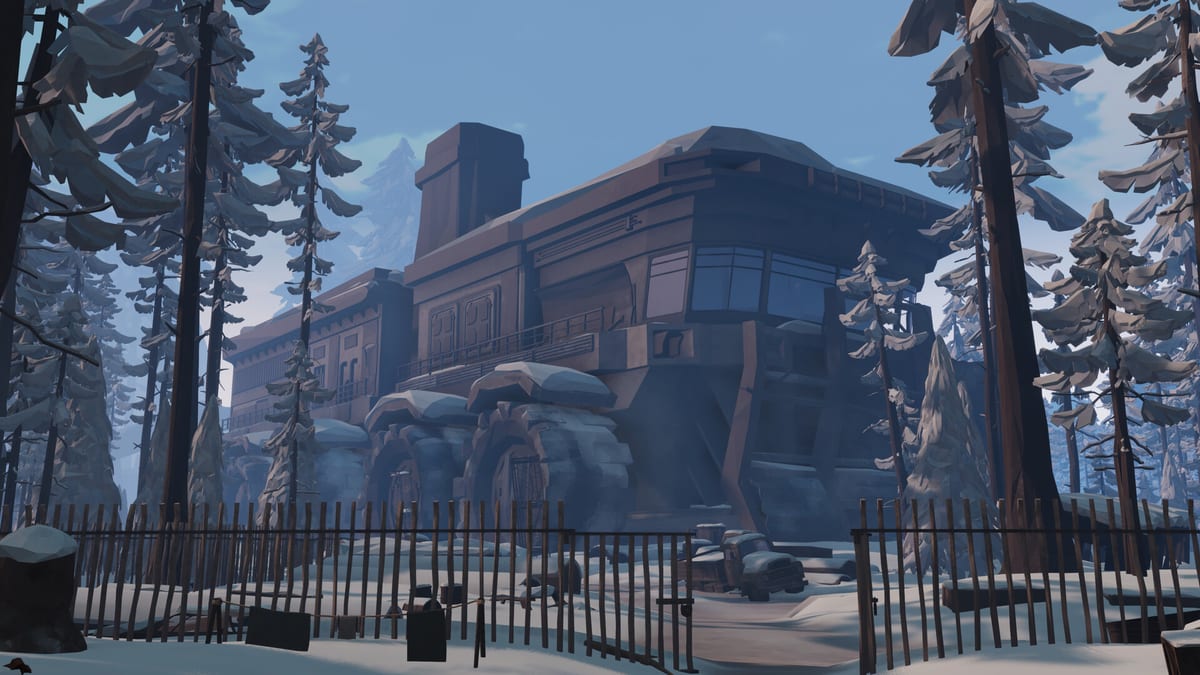
Frozen Ship is a first-person survival expedition built for Windows PC through Steam. Nionetix targets keyboard and mouse as the primary input method, and preview coverage consistently describes the interface as dense with management panels, assignment grids, and narrative prompts layered on top of on-foot gathering. Early Access arrives August 7, 2026. Before you load in, understanding how controls map to the captain loop saves frustration during your first cold evening.
This guide summarizes what demo players and preview writers report about bindings, UI flow, and hardware caveats. Exact key labels may shift during Early Access patches—treat menus as the source of truth once you launch.
Keyboard and mouse — the intended experience
On-foot play uses standard first-person movement: walk, look, interact, and use tools on ruins, trees, and salvage nodes. Previews emphasize that actions carry time costs—chopping wood or dismantling a structure is not a single tap but a commitment measured in in-game hours. Your mouse controls camera and targeting; left-click or equivalent confirms interactions depending on context.
Ship management flips the perspective to menus and overlays. Morning crew assignment, crafting queues, research tabs, furnace checks, and travel decisions all live behind UI layers you open from the bridge or management stations. Preview writers note that you will spend significant time in menus even on expedition days—assigning twenty crew members, reading hope trends, and queuing builds is as much the game as walking through snow.
Common workflow from How to Play:
- Open crew and assignment panels before leaving the ship.
- Confirm crafting and furnace status from ship UI.
- Step outside for first-person gathering.
- Return via on-foot movement toward the moving trail.
- Re-enter management UI for evening consolidation.
If a binding feels wrong on day one, check Steam input settings and in-game remapping once Nionetix exposes it in Early Access. Demo builds may ship with limited customization.
UI density and navigation habits
Frozen Ship stacks several information layers:
- Crew roster and work slots — who is cooking, building, scavenging, or idle.
- Resource bars — food, fuel, materials, medicine, and hope.
- Build and craft queues — what completes tonight versus tomorrow.
- Event prompts — narrative choices with morale consequences.
- World context — ship movement, time of day, and weather pressure.
Preview impressions describe the UI as functional but busy. New captains should slow down on the first mornings rather than sprinting off-ship. Getting Started recommends assigning heat and food jobs before any expedition; that habit depends on finding assignment panels reliably.
Tips that transfer from preview accounts:
- Learn one path through morning setup and repeat it until muscle memory forms.
- Do not dismiss event windows without reading outcomes—hope swings are tied to choices.
- Watch the clock widget while outside; time UI is your return deadline.
- Pin mental shortcuts for furnace and food checks before sleep transitions.
Detailed slot logic lives in Work Assignments; controls matter because fumbling menus burns real minutes while the ship crawls forward.
Steam Deck and controller caveats
Steam Deck compatibility is listed on the store page, but preview hands-on accounts treat handheld play as awkward rather than ideal. The combination of first-person precision, dense management grids, and frequent text-heavy events favors a mouse for clicking small slots and dragging assignments.
Controller support exists in preview builds, yet writers report:
- Cursor-style menu navigation feels slower than mouse for crew grids.
- First-person gathering is serviceable but less precise for rapid salvage routing.
- Event dialogue and law prompts require more scrolling on a small screen.
- Session length on Deck can exaggerate fatigue because captain days mix action and paperwork.
If you play on Deck or with a gamepad, budget extra time for morning assignment and carry the Expedition Checklist mentally—shorter outbound loops compensate for UI friction. For primary play, a desktop with keyboard and mouse remains the preview consensus.
Verify performance expectations on System Requirements before Early Access week; thermal throttling on handheld hardware can add stutter during ship UI transitions.
Controls tied to survival pressure
Input choices intersect with survival rules:
| Situation | Control note | Gameplay tie-in |
|---|---|---|
| Afternoon gathering | Fast camera and clear interact | Late actions miss dusk return |
| Evening furnace check | Ship UI access | Indoor cold kills crew if heat fails |
| Event choice | Confirm button discipline | Mis-clicks waste hope recovery days |
| Morning assign | Grid navigation speed | Empty slots waste the work day |
| Save transition | Menu awareness | Saves often align with morning—see Day Cycle and Saves |
Return to the Ship matters for movement controls: you track a moving base, not a static marker. Previews describe the ship as slow but relentless—if you fumble inventory or map overlays outside, you lose margin before nightfall.
Recommended setup before Early Access
- Desktop KB/M if available — matches preview intent.
- Readable UI scale — increase resolution or UI scale if menus strain your eyes; assignment errors are costly.
- Headphones — narrative events and ambient cues reinforce time pressure.
- Demo rehearsal — Steam Next Fest June 2025 demo teaches the same control rhythm Early Access extends.
Frozen Ship is single-player only. There is no shared-screen or online crew—every assignment click is yours alone. After controls feel natural, chain Demo Walkthrough for a guided first run and Survive the Cold for thermal meter habits that punish slow returns.
Track binding changes on Updates during Early Access; Nionetix may refine Deck layouts or add remapping as feedback arrives.
Frequently Asked Questions
Quick answers to the most common questions.
Does Frozen Ship play best with keyboard and mouse?
Preview coverage consistently favors keyboard and mouse on Windows PC. First-person gathering plus dense crew and craft menus are easier to navigate with a mouse than with controller-style cursor movement.
Is Frozen Ship comfortable on Steam Deck?
It runs on Steam Deck, but previews describe the experience as awkward: small-screen menus, frequent narrative prompts, and assignment grids benefit from mouse precision. Short expeditions help on handheld.
Can I rebind controls in the demo or Early Access?
Expect standard Steam input layers and any in-game remapping Nionetix ships at launch. Demo builds may offer limited options—check Settings after first launch and watch Updates for patch notes.
Which menus should I learn first?
Learn morning crew assignment, furnace and food status, and crafting queues before deep exploration. Getting Started and How to Play walk the same order preview players recommend.
Do controls differ between story mode and survival mode?
Core movement and UI patterns stay the same; survival mode changes strategic pressure after the New Beginning campaign, not the fundamental input scheme.