Frozen Ship Early Access Prep Checklist
Everything to do before August 7, 2026 unlocks — wishlist, hardware, demos, and reading order.
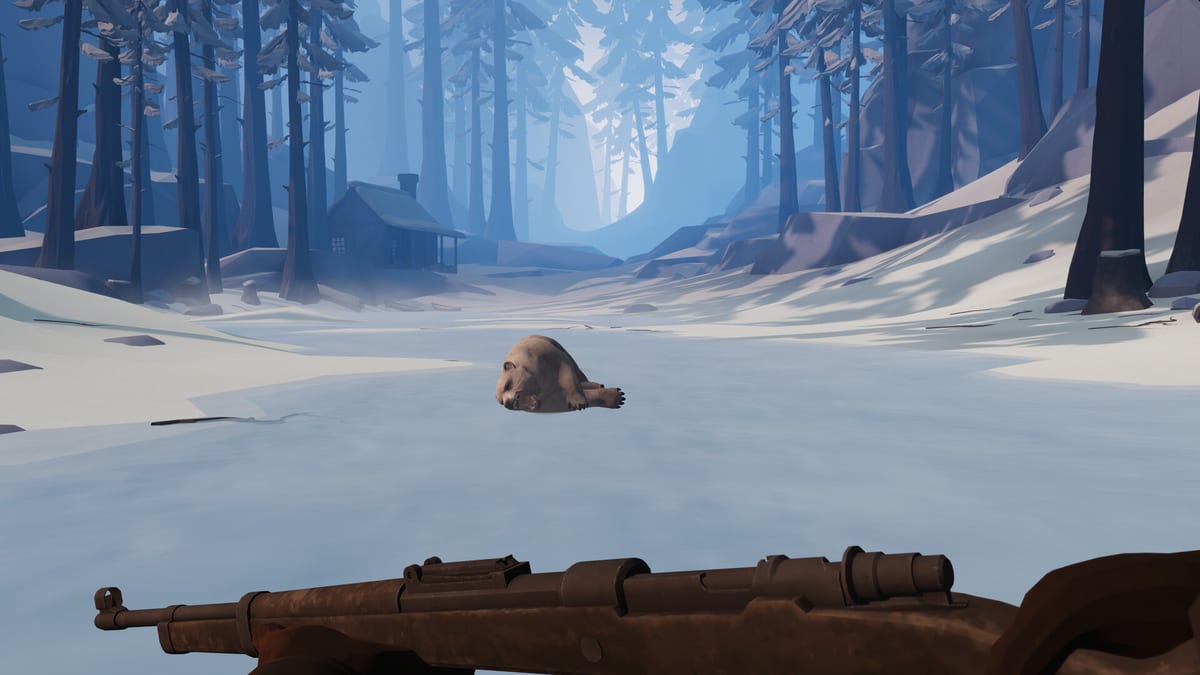
If Early Access has not started yet, you still have time to prepare your PC, your expectations, and your reading list. Frozen Ship by Nionetix targets August 7, 2026 on Steam for Windows. Treat that date as the current plan until the store unlocks — dates can slip, which is why this checklist points you to official links for confirmation rather than relying on third-party mirrors.
Store and account prep
- Wishlist on Steam so release and discount emails reach you. Use the Steam store page referenced from official links — avoid key reseller sites for pre-load or early access keys.
- Verify Windows version (64-bit Windows 10 or 11) and free disk space beyond the ~10 GB install — patches grow during Early Access.
- Update GPU drivers and optionally clear shader caches the week before launch.
- Decide purchase tier (base game only vs future DLC bundles once announced on the roadmap).
- Set download region / schedule if your connection is slow; pre-load if Steam offers it.
Hardware sanity check
Walk through system requirements line by line:
- Quad-core ~2.6 GHz minimum, ~3.2 GHz recommended class CPU
- 4 GB RAM minimum, 8 GB recommended
- GTX 1050 minimum, GTX 2060 recommended class GPU
- SSD preferred for smoother zone loads between ship and wasteland
If you are below minimum, decide whether to upgrade or plan low-settings play before you invest emotionally in a hardcore run.
Demo experience (June 2025 Next Fest era)
Many players first touched Frozen Ship during a Steam Next Fest demo around June 2025. If you played it:
- Note what transferred — demos sometimes differ from EA saves or balance.
- List mechanics you found confusing; match them to wiki guides like Getting Started rather than assuming the EA tutorial repeats one-to-one.
- Uninstall outdated demo builds if they conflict with the full app install path.
If you missed the demo, watch the announcement footage on Review & Overview for tone and pacing instead of spoiling full story beats.
Knowledge prep — suggested reading order
- Review & Overview — premise, ship survival pillars, single-player focus.
- Getting Started — first hours and day structure.
- Crew Management — staffing before you expand.
- Manage Hope — morale systems that punish reckless expansion.
- Build Priority — which ship modules matter early.
- Expedition Checklist — pin before your first long sortie.
- Trade — when you meet survivors and factions.
- Early Access Roadmap — what is in vs planned post-launch.
- Release Timeline — demo history and milestone dates.
Expectation setting for Early Access
Roadmap messaging points to post-launch beats: loot and locations, weapons and hunting, a story update, a new mode, and DLC. EA day one will not include everything on that horizon. Prep mentally for incomplete features, rebalance patches, and save compatibility warnings.
Follow updates hub pages after launch instead of expecting a finished survival epic on hour one. Feedback channels listed under official links are the right place for bug reports — not this wiki.
Launch day hour-zero checklist
- Install to SSD, verify file integrity if Steam offers it.
- Run the game once at default settings, note FPS indoors and outdoors.
- Adjust settings using tips from system requirements.
- Start a fresh save labeled with the build version for easier rollback if patches break compatibility.
- Complete the in-game tutorial even if you read wiki guides — controls and UI change.
- Before leaving the ship, open the expedition checklist.
After you are in — stay current
Add the Early Access roadmap to your routine weekly check. Major additions like hunting or new modes can invalidate old prep advice. This page will be revised when store details or demo policies change; always defer to the Steam store page and developer site for legal and refund questions.
Frequently Asked Questions
Quick answers to the most common questions.
Should I wishlist if I already played the demo?
Yes. Wishlist notifications cover release timing, delays, and discounts. Confirm details on the Steam store page via [official links](/links/official-links/).
Is the demo save compatible with Early Access?
Do not assume compatibility. Many demos use separate builds. Plan a fresh EA save unless Nionetix explicitly announces transfer on the [release timeline](/updates/release-timeline/).
What guides matter most before launch?
[Getting Started](/guides/getting-started/), [crew management](/crew/crew-management/), and [manage Hope](/guides/manage-hope/) cover the steepest learning curve. Add [build priority](/ship/build-priority/) once you understand resources.
Will DLC be required at launch?
Roadmap mentions DLC later; base Early Access should stand alone at launch. Watch official announcements rather than pre-buying unannounced bundles.
How do I track date changes?
Use the [release timeline](/updates/release-timeline/) for context, but trust the Steam store page first. Wiki dates summarize planning status, not legal release guarantees.